Getting Started in PlaneRNG
Day-one walkthrough for rolling fighters, earning kill money, and pushing your first worlds.
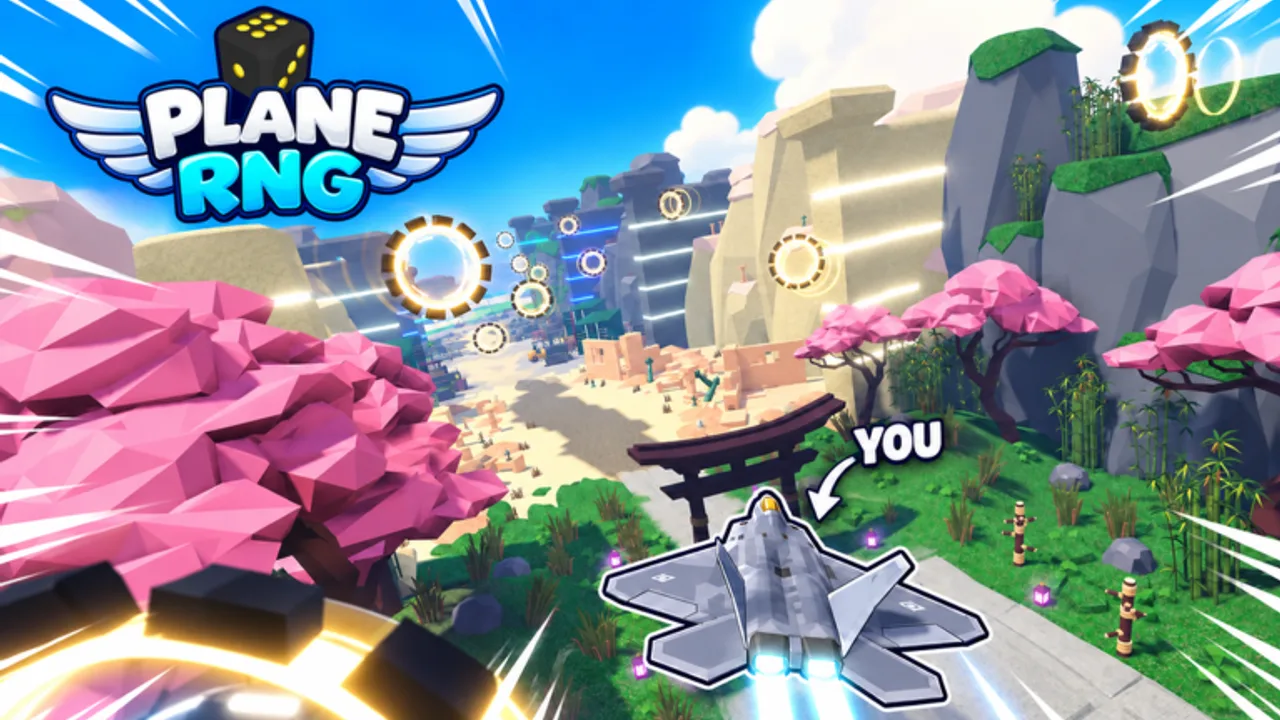
This Getting Started guide is the day-one walkthrough for PlaneRNG on Roblox by BINE Productions. You will join the experience, complete your first rolls, win early fights, understand the money loop, decide when to upgrade your squadron, know when to push the next world, and adapt controls for Mobile versus PC. The game is free and supports Desktop, Console, Mobile, and Tablet.
If you only remember one sentence: roll planes → fight enemies → earn money on kill → upgrade the squadron → clear worlds and bosses → unlock mutations. Everything else is timing and inventory discipline. For ranking keepers later, open the Tier List. For systems depth after this page, jump to How to Roll Planes and Farming and Upgrades.
Join the game and settle the HUD
- Open the official Roblox place for PlaneRNG and press Play.
- Let the experience load fully on Mobile—first join can hitch while assets stream.
- Locate the roll action, your squadron or plane slots, combat or hunt controls, and the upgrade panel. Exact button labels can shift with patches; learn the icons, not just the words.
- Optionally Like the experience and join any official group the developer advertises in-game. Free social bonuses are common in Roblox incrementals and cost nothing but a click.
- Peek at Codes. Community reports as of November 2026 show no active promo codes, but redeeming the moment a code drops is still the right habit.
Spend thirty seconds in a safe corner identifying menus before you mash roll. Panic clicking burns early currency on the wrong upgrade order.
First rolls: build a usable starter squadron
PlaneRNG is an RNG fighter-plane collector. Early rolls fill empty slots and teach rarity language. Treat the first session as coverage, not perfection.
- Roll until every active squadron slot you can fill has something combat-ready.
- Prefer planes that clearly outperform your current weakest slot. Duplicates of weak commons are upgrade food or sell fodder depending on the current economy UI—never hoard clutter that hides a stronger unique.
- Glance at the Tier List once you own a handful of named uniques among the 130+ catalog planes. You do not need the full meta on hour one; you need a keep rule.
- Expect most of the 3200+ roll outcomes to be incremental variants. Celebrate upgrades to your active lineup, not every flashy popup.
Deep dive on keep-versus-replace logic lives in How to Roll Planes. On day one, your only job is a squadron that can kill enemies without dying instantly.
First fights and the money-on-kill loop
Combat is how cash enters the account. Fight enemies with your planes, collect money on kill, and funnel that cash into permanent squadron power.
Practical early combat tips:
- Engage enemies your current DPS can finish quickly. Long scrapes that nearly wipe you waste time even if you eventually win.
- After each short hunt, open upgrades. Infinite squadron upgrades are the spine of PlaneRNG progression—money sitting idle is wasted clear speed.
- If a pack feels unfair, stop pushing and farm the previous density for a few minutes. The Farming and Upgrades guide expands priority order.
- Watch for world or boss prompts. Iconic historical plane bosses are gated content; walking in underpowered teaches the DPS check the hard way. Prep notes sit in Worlds and Bosses.
The healthy early rhythm is short: roll a bit, hunt a bit, upgrade a bit, repeat. Do not AFK in the roll menu for twenty minutes with zero combat upgrades unless you already out-gear the current world.
When to upgrade the squadron
Upgrade early and often. Because squadron upgrades scale infinitely, small purchases compound across every future kill.
Upgrade now when:
- You just banked a kill streak and the next upgrade tier is affordable without emptying emergency cash for a needed roll.
- Clear speed feels slow—enemies take too many volleys or you lose planes often.
- You are about to attempt a new world or a boss and need a DPS buffer.
Hold a small cash buffer when:
- You are one good roll away from replacing a dead-weight slot and the roll action has a cost.
- A temporary event or mutation chase is live and you want roll attempts ready (see Mutations Guide).
Never “save for later” indefinitely. Infinite upgrade trees punish hoarding more than they punish slightly imperfect timing.
When to push the next world
PlaneRNG advertises 100 worlds. Pushing too early stalls; farming forever stalls worse.
Push when:
- You clear local enemies comfortably and upgrades feel incremental rather than transformative.
- Boss preview or world gate messaging no longer looks impossible relative to your recent hunt times.
- You have replaced your weakest squadron slots at least once since the last world unlock.
Farm longer when:
- Boss attempts end in quick wipes.
- Money per minute crashed because you moved into enemies that take forever to kill.
- You still have cheap squadron upgrades that noticeably raise damage or survivability.
Full farm-versus-push decision trees are in Worlds and Bosses.
Mobile vs PC tips
Mobile / Tablet
- Use a stable grip; accidental menu taps cancel hunts.
- Lower graphics if heat or frame drops make aiming or targeting unreliable.
- Prefer short sessions of roll → hunt → upgrade so you notice softlocks early.
- Keep the wiki pages open in a browser split if your device allows—especially Codes and Tier List.
PC / Desktop
- Keyboard and mouse make menu hopping faster; bind habits so upgrades happen every hunt cycle.
- Use the extra screen space to keep the Tier List or this wiki visible while you roll.
- Watch CPU spikes during heavy VFX rolls; closing background apps keeps input snappy.
Console
- Learn the controller path to roll, deploy, and upgrade without opening unused menus.
- Text-heavy UIs are slower on a stick—decide keep rules before you open the inventory.
All platforms share the same progression systems. Input only changes execution speed.
Social play and friends
PlaneRNG advertises fighting your friends. After you can clear early worlds solo, experiment with friendly PvP or shared sessions. Do not derail your first hour into duels before the money loop is automatic. Squadron power from PvE still decides most duel outcomes.
Optional tools and safety
Some players look up Scripts for Auto Roll, Auto Hunt, Auto Upgrade, Auto Rebirth, or Auto Trials. Those features mirror real progression systems, but third-party executors can violate Roblox rules and risk bans. Learn the manual loop on this page first. If you still automate later, understand the account cost.
Day-one checklist
- Join PlaneRNG and learn roll, fight, and upgrade UI.
- Fill squadron slots with your best early rolls.
- Hunt until money flows steadily; buy squadron upgrades often.
- Check Codes (expect none active as of Nov 2026 reports).
- Compare keepers on the Tier List.
- Push a world only after local clears feel comfortable.
- Bookmark How to Roll Planes, Farming and Upgrades, Worlds and Bosses, and Mutations Guide.
Finish this checklist and you are past the tutorial wall. The rest of the wiki is optimization.
Frequently Asked Questions
Quick answers for PlaneRNG pilots and grinders.
What is the core loop in PlaneRNG?
Roll fighter planes, fight enemies, earn money on kill, upgrade your squadron, then push worlds, bosses, and mutations.
Should I spend money on upgrades or keep rolling?
Prioritize squadron upgrades whenever clear speed feels slow. Roll when you need a stronger plane in a weak slot.
Are there codes for new players?
Check the Codes hub. As of November 2026 community reports there are no active promo codes.
When should I try the next world?
Push when local enemies die quickly and cheap upgrades no longer change fights much. Farm longer if bosses wipe you instantly.
Does PlaneRNG work on Mobile?
Yes. Desktop, Console, Mobile, and Tablet are supported. Use shorter roll–hunt–upgrade cycles on touch devices.
Where do I go after Getting Started?
Read How to Roll Planes next, then Farming and Upgrades. Use Worlds and Bosses before hard gates and Mutations for variant chasing.