PlaneRNG Official Links
Trusted destinations for PlaneRNG players in one place.
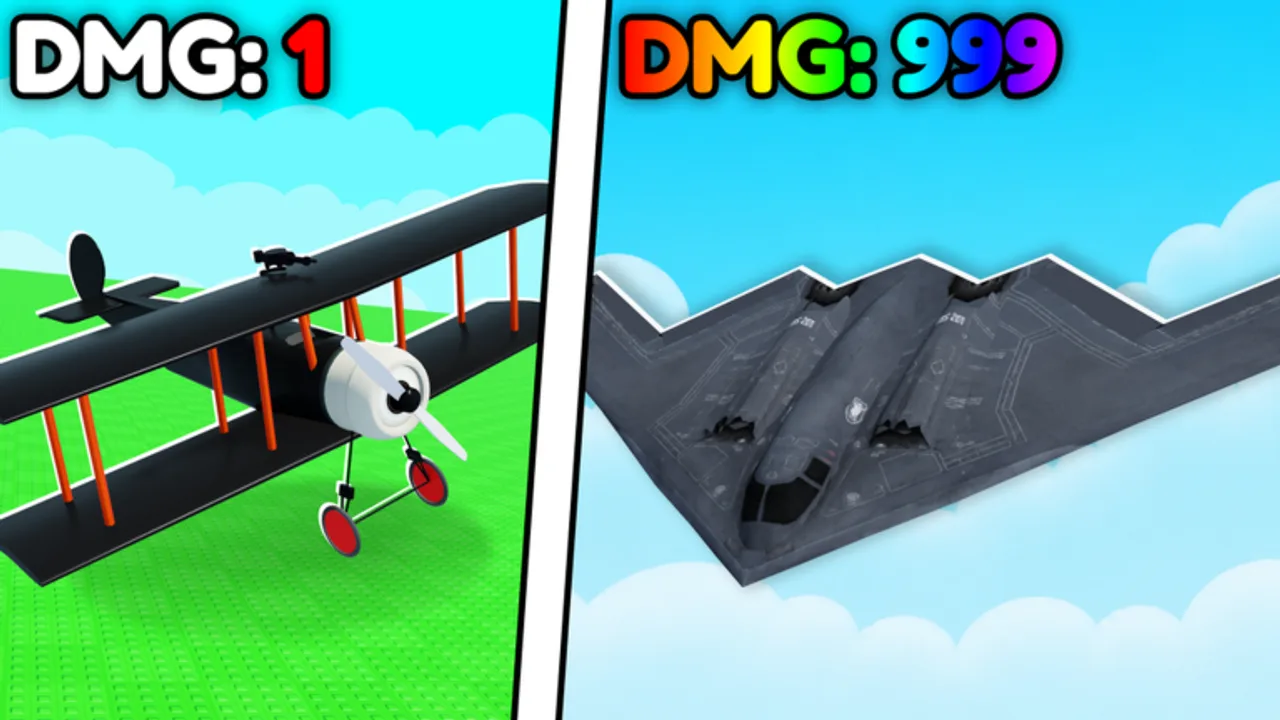
This Links Hub collects official PlaneRNG destinations and the main sections of this fan wiki so you can move quickly without hunting through search results. PlaneRNG is a free-to-play Roblox incremental simulator by BINE Productions—roll fighter planes, hunt enemies for money, upgrade your squadron, progress through worlds, defeat iconic bosses, unlock mutations, and battle friends.
Official Roblox links
- Play PlaneRNG: roblox.com/games/133112767606395/PlaneRNG
- Developer group — BINE Productions: roblox.com/communities/898095359
Join the experience on Desktop, Console, Mobile, or Tablet. Favorite the game and optionally join the group so shouts about updates or future codes are harder to miss. Universe ID reference for tooling: 10288898033 (useful for asset fetches; not required for normal play).
What to do on the official pages
On the experience page, read the description for feature highlights (130+ unique planes/jets, 100 worlds, 20+ bosses, large roll pool, mutations, PvP) and scan for update notes after patches. On the group page, check wall posts and shouts before trusting random Discord forwards. Official text beats thumbnail claims.
Core wiki hubs
Use these internal destinations (always with trailing slashes in our content):
- Codes Hub — promo status and redemption help (no invented codes; none confirmed active in Nov 2026 checks)
- Guides Hub — how-to library
- Getting Started — day-one walkthrough
- Tier List Hub — ranking philosophy
- Best Planes — role-based S/A/B/C framework
- Players Hub — friend battles and PvP tips
- Updates Hub — how to read patches and re-validate info
- Scripts Hub — feature glossary and ban-risk context
- Auto Farm — hunt/upgrade automation explained
- Tools Hub — squadron and upgrade checklists
Why a Links Hub exists
Search engines surface mirrors, fake “code generators,” and outdated script dumps. Bookmarking this page plus the two official Roblox URLs gives you a clean triangle: play ↔ developer signals ↔ wiki explainers. When something looks too good to be true—unlimited roll generators, free Robux side quests, or password forms—leave.
Safety reminders while browsing off-platform
- Never type your Roblox password into a “PlaneRNG redeem” website.
- Prefer executor discussions only as education; they violate ToS (Scripts Hub).
- Confirm codes in-game after reading Codes Hub, not via sketchy browser extensions.
- After updates, re-open official links first, then wiki impact pages (Updates Hub).
About this wiki
This site is an independent multilingual guide for PlaneRNG. It is not an official BINE Productions product. We aim for accurate loop descriptions, honest codes status, and practical progression advice. If official URLs change, update your bookmarks from the Roblox account that owns the experience and group.
Quick start path for new visitors
- Open the official game link and finish the in-experience intro.
- Read Getting Started.
- Check Codes Hub once—in case a new drop appeared.
- Plan upgrades with Tools Hub and Best Planes.
- Return here whenever you need the canonical external URLs again.
Fly safe, verify sources, and keep the official Roblox pages above any viral mirror.
Frequently Asked Questions
Quick answers for PlaneRNG pilots and grinders.
Is this wiki official?
No. It is a fan-made guide. Official sources are the PlaneRNG Roblox experience and the BINE Productions group linked above.
What is the official PlaneRNG game link?
https://www.roblox.com/games/133112767606395/PlaneRNG — also stored as gameUrl in this site’s configuration.
Where is the developer group?
BINE Productions on Roblox: https://www.roblox.com/communities/898095359
Where should I go for codes or tier lists?
Use the Codes Hub and Tier List Hub linked in the wiki hubs section on this page.
How do I avoid fake PlaneRNG sites?
Bookmark this Links Hub plus the two official Roblox URLs. Ignore password forms, Robux generators, and unverified code sites.